Home / How to use
How to use your adapter
Setup takes a few seconds. Pick the kind of charger you have.
On a magnetic charger (Qi2 / MagSafe-style)
- Clip your watch onto the adapter's 4-pin connector, screen facing up.
- Set the adapter on the magnetic charger. It snaps into place.
- Rotate it to any angle you like. Your watch starts charging.
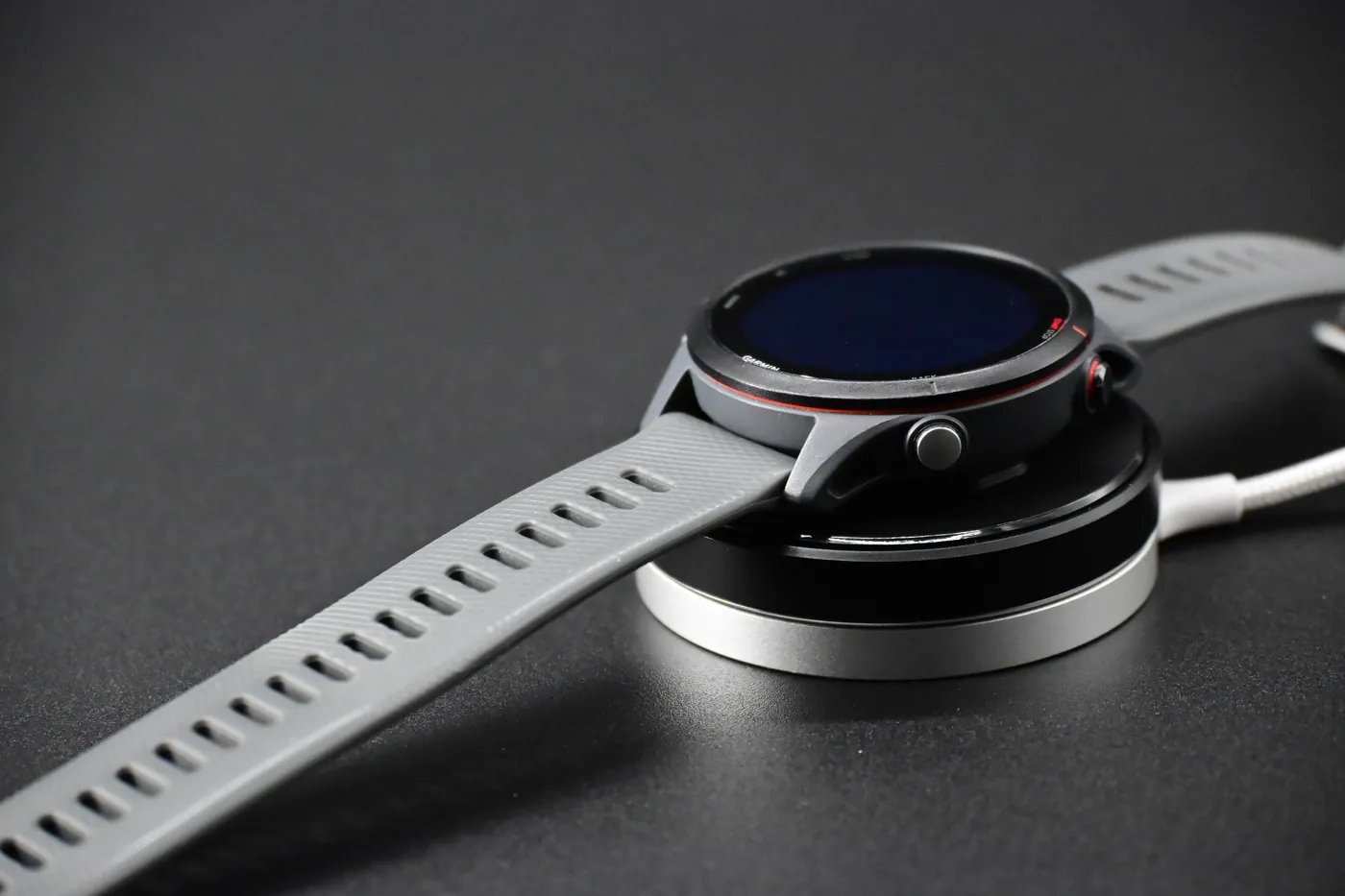
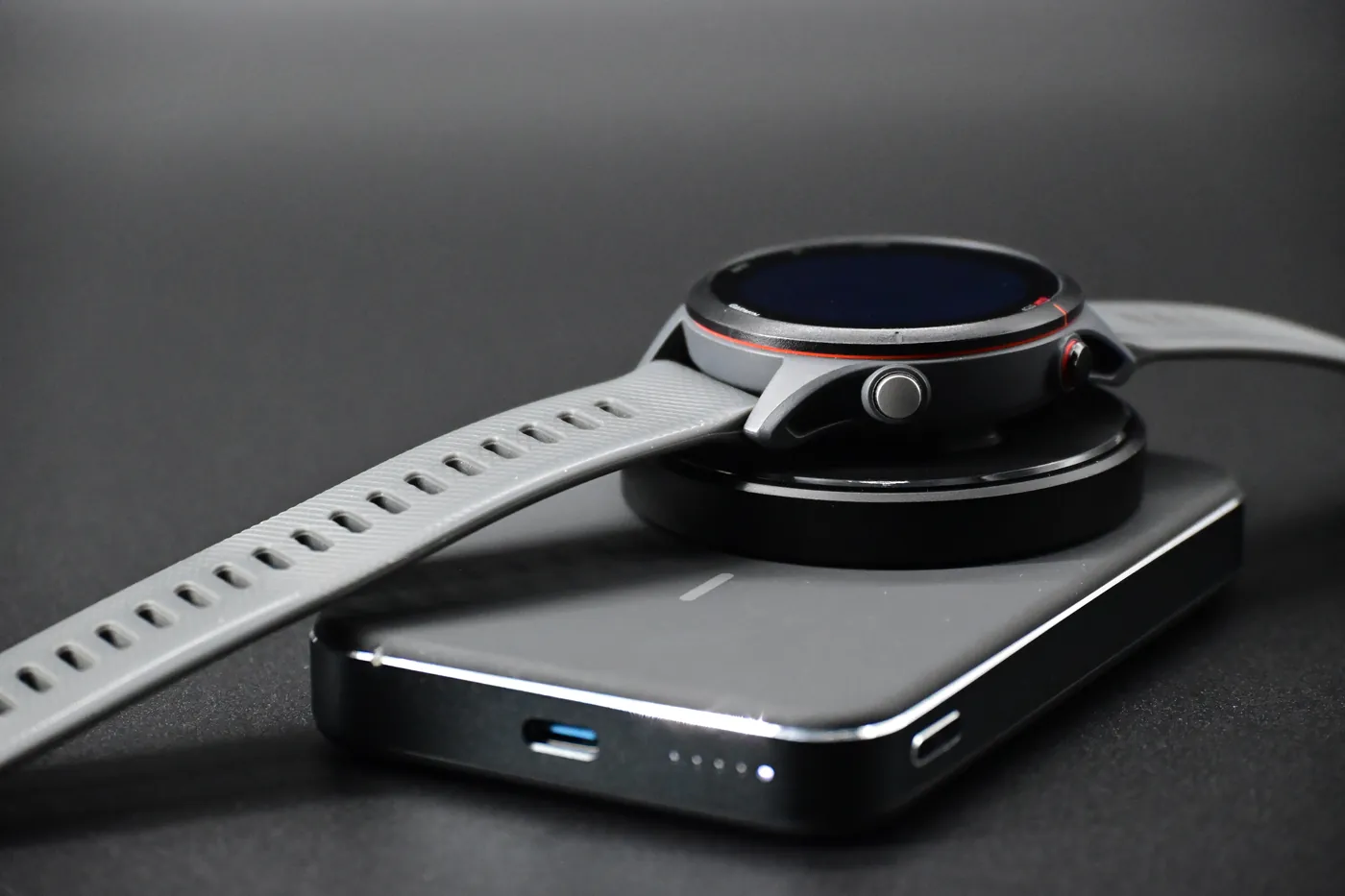
On a flat Qi pad or wireless power bank
- Clip your watch onto the adapter.
- Place the adapter over the center of the charging coil. On most pads, that's the middle of the charging surface.
- If charging doesn't start, slide it slightly until it does. Without magnets, a flat pad needs a little help finding the sweet spot.
Good habits
- Remove the adapter from the charger when you're not using it, so it doesn't draw power.
- Keep your watch's charging contacts clean and dry.
Troubleshooting
My watch isn't charging
Work through these in order:
- Check the connection. Make sure the watch is firmly seated on the 4-pin connector.
- Check the position. On a flat pad, re-center the adapter over the coil.
- Check the charger. Confirm your wireless charger works by charging a phone on it.
- Clean the contacts on the back of your watch.
- Try another wireless charger if you have one.
Charging starts, then stops
This usually means the adapter is slightly off-center on a flat pad. Re-center it, or use a magnetic charger, which holds it in place.
It won't charge on my Apple Watch charger
Apple Watch chargers aren't standard Qi chargers and won't work with this adapter. Use a Qi pad, a magnetic phone charger or a wireless power bank instead.
My Instinct or Approach S70 won't sit flat
These models aren't compatible: the original strap blocks the adapter. See the compatibility list.
Still not working?
Returns and exchanges are handled through your Amazon order page. You can also reach us through our contact form.